Hello Dear!
We have a MIC-730AI. Could you please guide us how to install the SDK package namely on SSD?
Internal memory has limited size of 32 GB, so it is not enough for it.
Thank you,
Vladimir
Hello Dear!
We have a MIC-730AI. Could you please guide us how to install the SDK package namely on SSD?
Internal memory has limited size of 32 GB, so it is not enough for it.
Thank you,
Vladimir
The official instructions describe the process of booting, not the installation of the software on SSD.
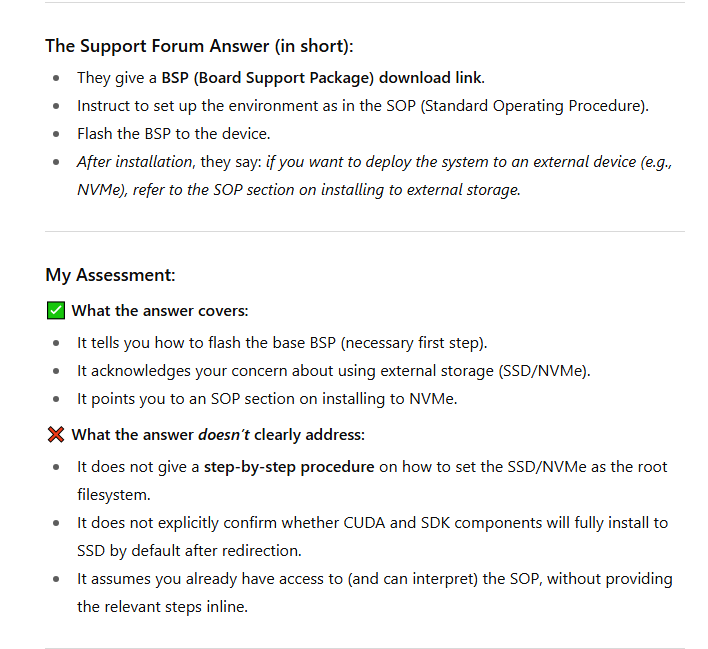
Please flash the MIC-730AI BSP using the link below:
https://www.dropbox.com/scl/fo/dr6zcn9vfq8eokdh9uug0/AKY1Fnv5HgXxVMm0GUUwJ0Y/MIC-730AI/MIC-730AI_Xavier_5.1.3_V1.0.3_SDK?dl=0&rlkey=css95k1m3b0698nn4wrvwisva&subfolder_nav_tracking=1
Set up the environment exactly as described in the SOP.
Extract the package and install the BSP by following the provided commands.
After installation, if you want to deploy the system to an external device (e.g., NVMe), refer to the SOP section on installing to external storage (NVMe example).
Following our @Logan.Wang response regarding SDK installation, I’d like to check whether the guidance resolved your issue. If anything remains unclear or if new questions come up, please let us know—we’re happy to help.
Hello Dear,
Thank you very much for your reply and for sharing the BSP package link. However, the instructions mainly describe flashing the BSP and then refer to the SOP for external storage. For my case, I specifically need to install the SDK and CUDA directly on the SSD (NVMe), since the internal eMMC is too small.
Could you please kindly provide more detailed steps, or confirm the exact procedure for installing and running the SDK/CUDA on the SSD? This would help me a lot.
Thank you again for your support!